

 0
0
 0
0
User Behavior Red Flags
I’ve seen enough video chat sessions to know when something’s about to go wrong. Most bad experiences start with subtle warning signs — if you know what to look for, you can disconnect before things escalate.
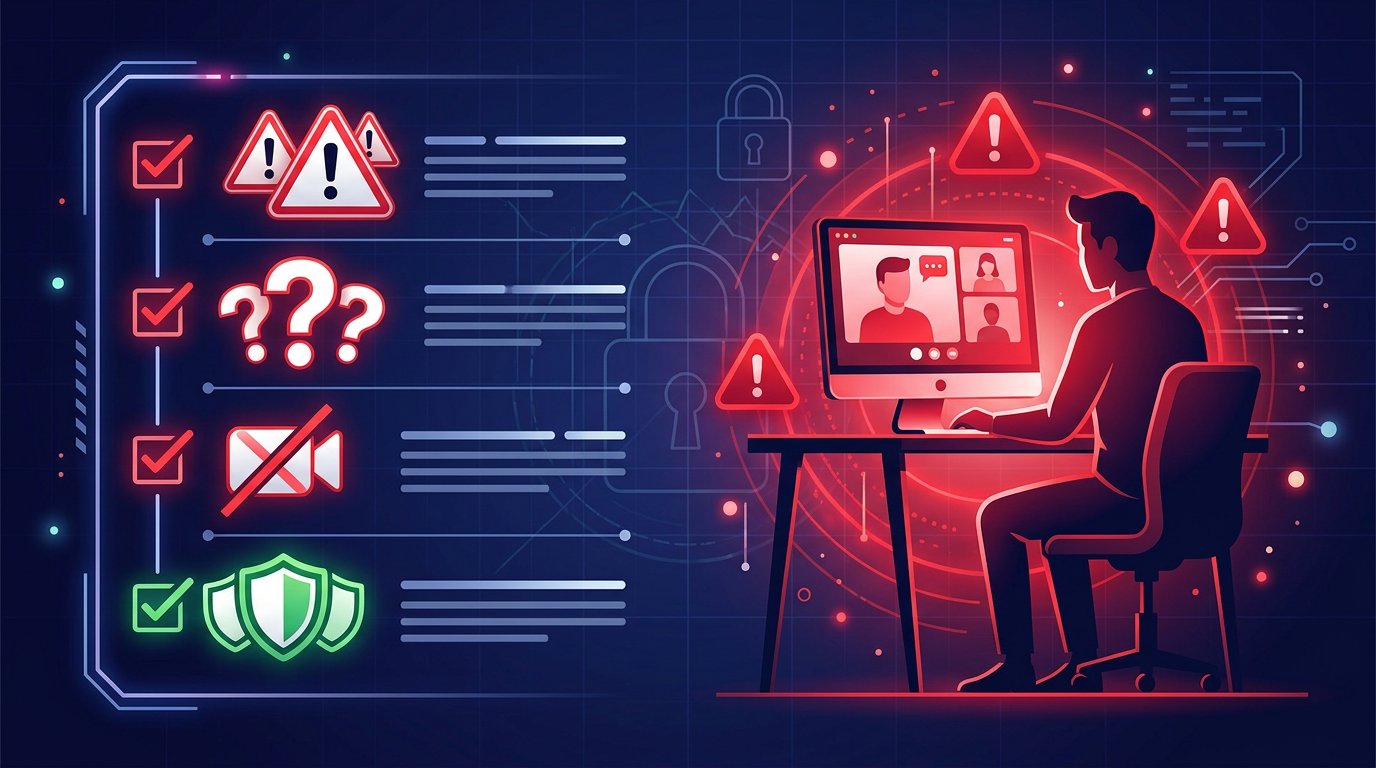
Asking for Personal Details
Early in a conversation, if someone asks where you live, what city you’re in, or tries to get your social media — that’s a red flag. Genuine chat connections don’t need that info right away.
I’ve had people ask for my Instagram within the first two minutes. That’s not normal curiosity — that’s data collection. They want to find you outside the platform.
The social engineering tactics used on video chat platforms range from friendly chit-chat that slowly extracts information, to aggressive demands for personal details. Either way, guard your info.
Attempting to Record
Watch for people who angle their camera weirdly, adjust lighting suddenly, or ask you to “wait, let me fix something” — these are common setups for secret recordings.
I’ve also seen people straight up say “hold on, I’m recording this” thinking it makes them trustworthy. It doesn’t. Recording without consent is a red flag regardless of whether they tell you.
Some platforms have screen recording indicators. If you see someone trying to work around those, disconnect immediately.
Aggressive or Threatening Behavior
This one’s obvious, but worth spelling out. If someone starts threatening, intimidating, or trying to manipulate you — don’t engage. Don’t try to reason with them.
The EFF has documented how harassment on video platforms often escalates when victims try to de-escalate. Your best move is to disconnect and report.
I learned this the hard way once. A guy got aggressive when I wouldn’t give him my Discord. I tried to talk him down — big mistake. He got worse. Finally disconnected, but the experience could’ve been avoided if I’d just left at the first sign of aggression.
Platform Red Flags
User behavior isn’t the only warning sign. Some platforms are set up in ways that put you at risk before you even start chatting.
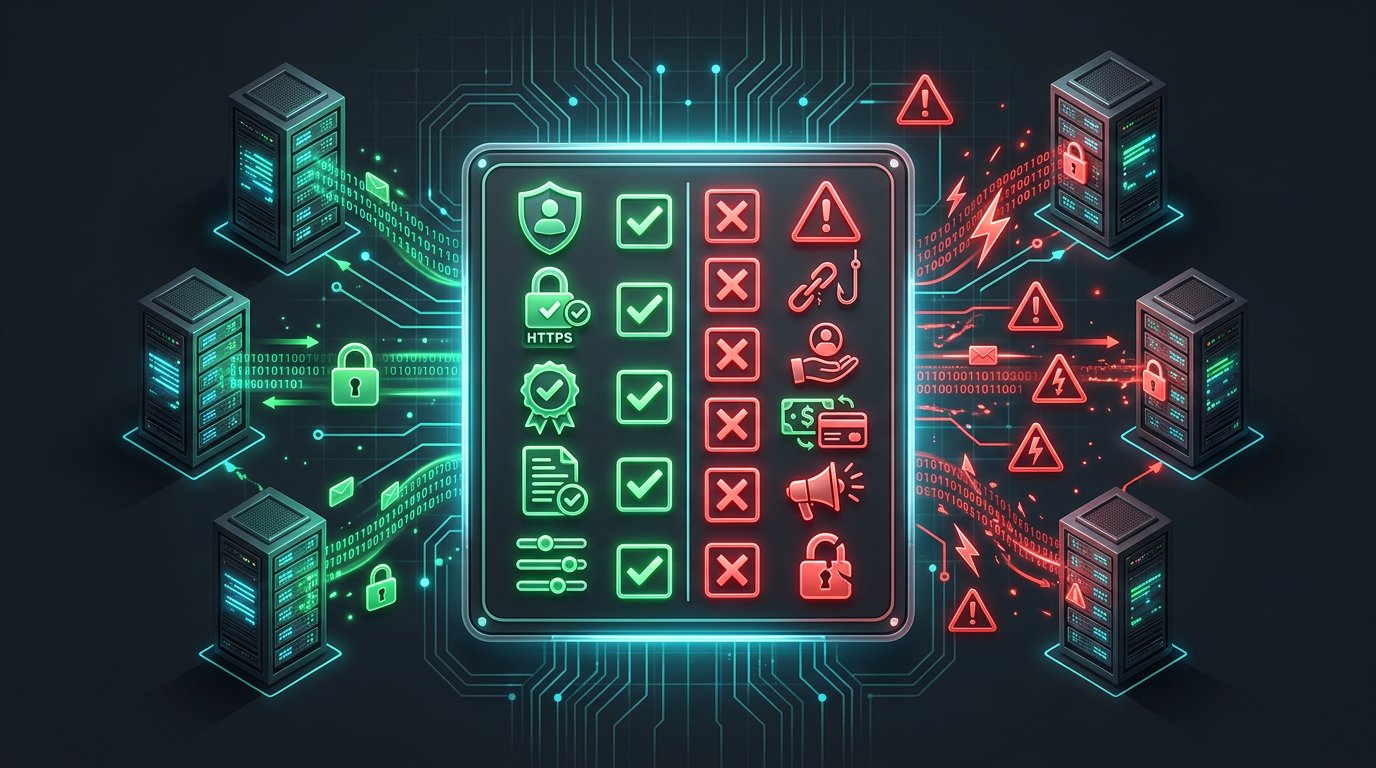
No Report System
If you can’t report bad actors quickly and easily, that’s a major red flag. A platform that doesn’t prioritize user safety will attract more bad actors over time.
I’ve tested platforms where the report button was buried three menus deep or required email verification. Those platforms are essentially saying “we don’t care about abuse.”
I’ve reviewed various video chat platforms and their safety features. The ones with quick one-tap reporting tend to have better user communities overall.
Asking for Too Much Data
Platforms that require phone verification, email, or extensive personal info just to start chatting? That’s a red flag. They’re collecting data about you before you’ve even decided if you trust them.
The best platforms I’ve used let you connect immediately with zero personal information. If a platform asks for your number “to verify you’re 18+” — that’s data harvesting, not age verification.
Check what permissions the app requests too. If a random chat app wants access to your contacts, location, or storage — that’s a red flag. Camera and microphone are necessary. Everything else is suspicious.
Poor Moderation
You can get a feel for a platform’s moderation within your first few connections. If you encounter explicit content or harassment within the first 5 minutes, the moderation is poor.
I’ve tested platforms where every third connection was someone being inappropriate. Those platforms aren’t safe — they’re basically unmoderated. Stay away.
The Wired security team has covered how poor moderation creates unsafe environments. AI moderation helps, but it’s not perfect. Human review processes matter.
How to React When You See Red Flags
Here’s my practical approach:
Trust your gut. If something feels off, it probably is. Don’t second-guess yourself.
Disconnect immediately. Don’t try to finish the conversation, don’t give them the benefit of the doubt. Leave.
Report if possible. Use the report button if the platform has one. Even if nothing happens, your report contributes to the platform’s data.
Block them. Most platforms let you block users so you won’t match with them again.
Take a break if needed. Bad experiences can affect your mood. If something shook you, step away from the platform for a while.
I’ve covered platform safety extensively. The pattern is consistent: platforms that take safety seriously have better communities.
Frequently Asked Questions
Q: Is it rude to disconnect when someone asks for personal info?
A: No. You don’t owe strangers your time or information. If someone pushes for personal details early in a conversation, disconnecting is the right call. Your privacy matters more than being polite to a stranger.
Q: How can I tell if someone is recording without consent?
A: Look for signs: camera angle changes, sudden lighting adjustments, them looking off-screen at something, asking you to “wait.” Some platforms show recording indicators. If you suspect recording, disconnect and report.
Q: What should I do if a platform has no report system?
A: Leave that platform. Report systems exist for a reason — without them, there’s no recourse for abuse. Find a platform that takes safety seriously. I’ve reviewed platforms with better safety measures.
Q: Can bad users be banned across multiple platforms?
A: Usually not. Without cross-platform coordination, bad actors can create new accounts on different platforms. This is why reporting matters — even if one platform doesn’t act, others might.
Q: Is it possible to have safe experiences on random video chat?
A: Yes, absolutely. I’ve had thousands of good connections. The key is knowing the red flags and acting on them quickly. Don’t stay in uncomfortable situations hoping they’ll improve. They won’t.